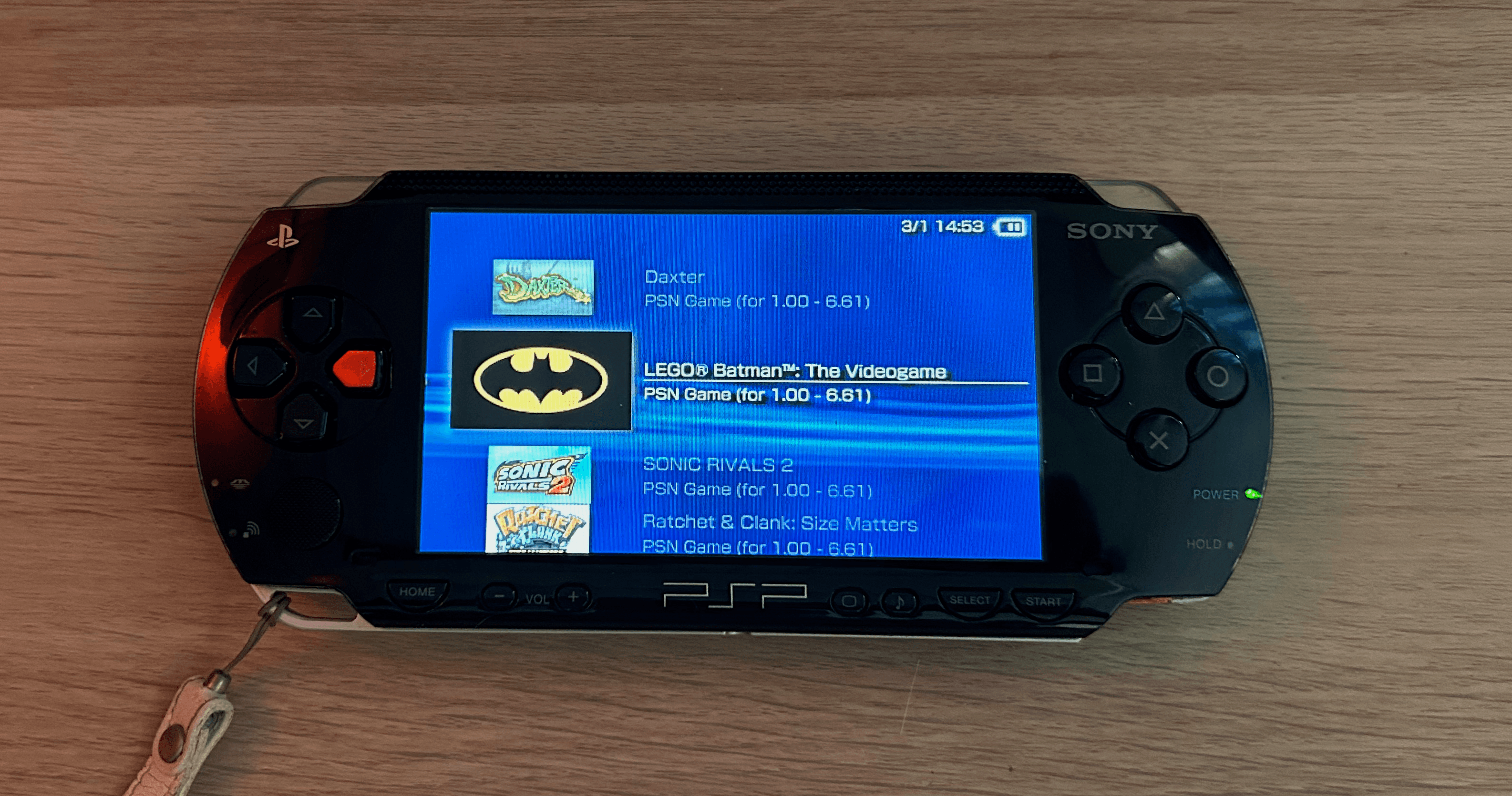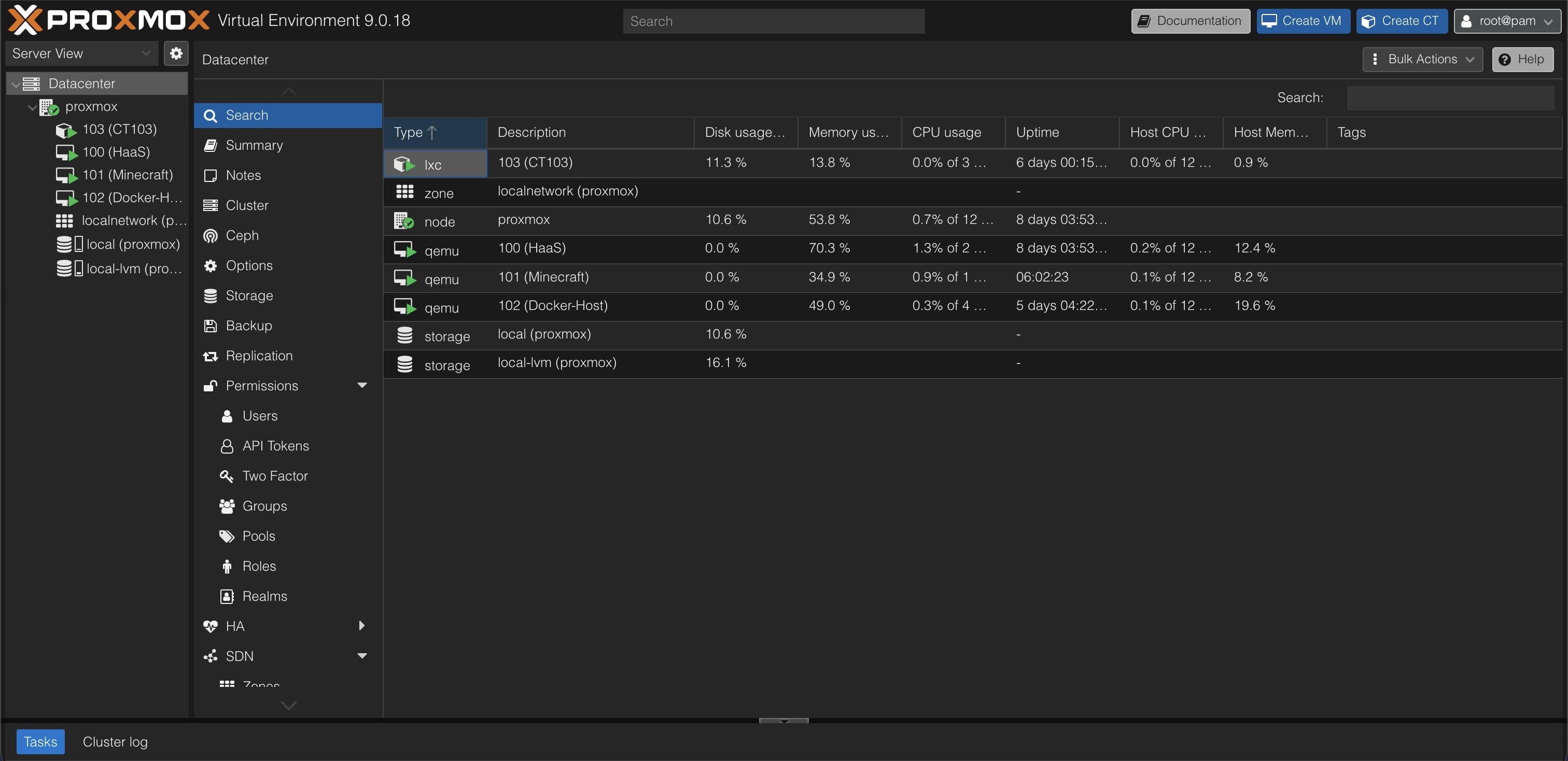
I started with a PSP. Then I picked up two PS Vitas (a Fat and a Slim) and a preowned PS TV for the living room. The PSP story is its own post. The Vita situation is what I want to talk about here.
The PS4 and PS5 have PS Plus cloud saves. Play on one console, the save uploads automatically, start playing on another, the save is there. The Vita never got that. It was never part of PS Plus cloud backup. Sony's official answer was the Content Manager Assistant, a desktop app for USB transfers that's been abandoned for years. For people with one Vita this doesn't matter much. For three devices, it matters constantly.
How people transfer PS Vita saves today#
The modding community has worked around this for years. Saves live under ux0:/user/00/savedata/ on the Vita filesystem, identified by Title ID. Tools like Vita Save Manager can dump and restore them as clean zip archives. With VitaShell's built-in FTP server you can pull saves from one Vita over Wi-Fi and push them to another. It works. It's also four manual steps every time you switch devices.
There are two homebrew apps that try to automate this properly:
PS Vita Sync connects to Google Drive, but the setup is significant: you create a service account in Google Cloud Console, generate an RSA key, place a private key file and a config at ux0:/data/SYNC00055/ on the Vita, compile the VPK yourself, and then edit the source code to set the correct Google Drive file ID for your specific game. It's a working proof of concept, not something you can just install and run.
Save Cloud Vita, built by a Chinese developer going by iamcco (年糕小豆汤), is the closest thing to what I wanted. It handles all games by Title ID, has a proper backup and restore flow, and shows sync status per game. The problem: it syncs exclusively to Baidu Netdisk. The entire app is in Chinese. And Baidu Cloud is not something I want storing my save data.
The concept was right. I forked it.
What I changed in the Save Cloud Vita fork#
The fork replaces Baidu Netdisk with a self-hosted HTTP API. Every string in the app UI is translated to English. The server is a small Node.js app that runs in Docker. It stores uploads as zip archives on disk and authenticates with a bearer token you set yourself.
The Vita client is mostly C and Rust. I have no Rust experience. I used AI extensively to understand the codebase: the original comments were in Chinese and the Rust networking layer needed full replacement to talk to a generic HTTP server instead of Baidu's API. It took longer than I expected, but v0.1.3 is out today.
How PS Vita save sync works across devices#
The workflow matches how people already think about multi-device saves: play on one Vita, push to the server, pull on another Vita, keep playing.
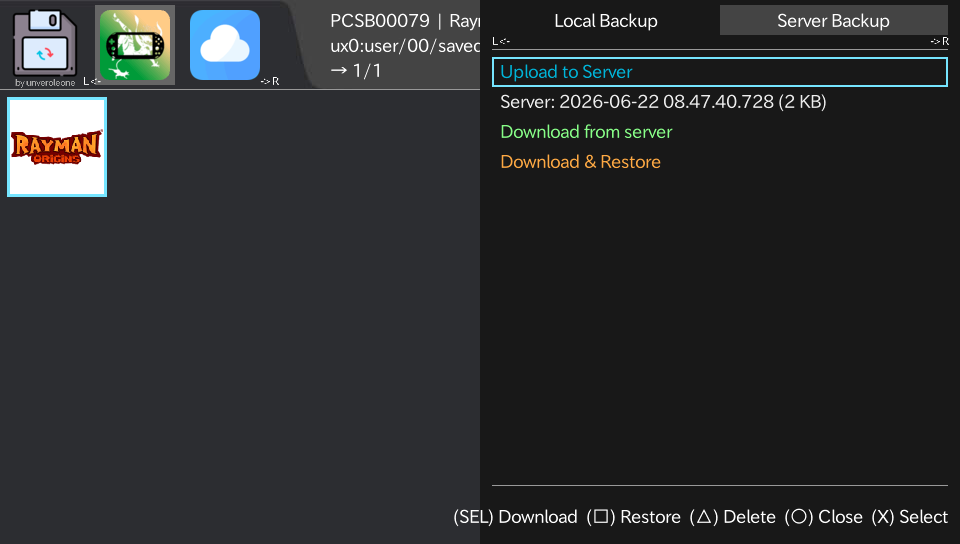
The app has two main views. The Games tab lists all installed games with save data. Tap into a game and you get a drawer with three tabs: Local Backup (manual save slots stored on the device itself), Server Backup (upload and download to your server), and a restore history.
The Cloud tab is where multi-device sync lives.
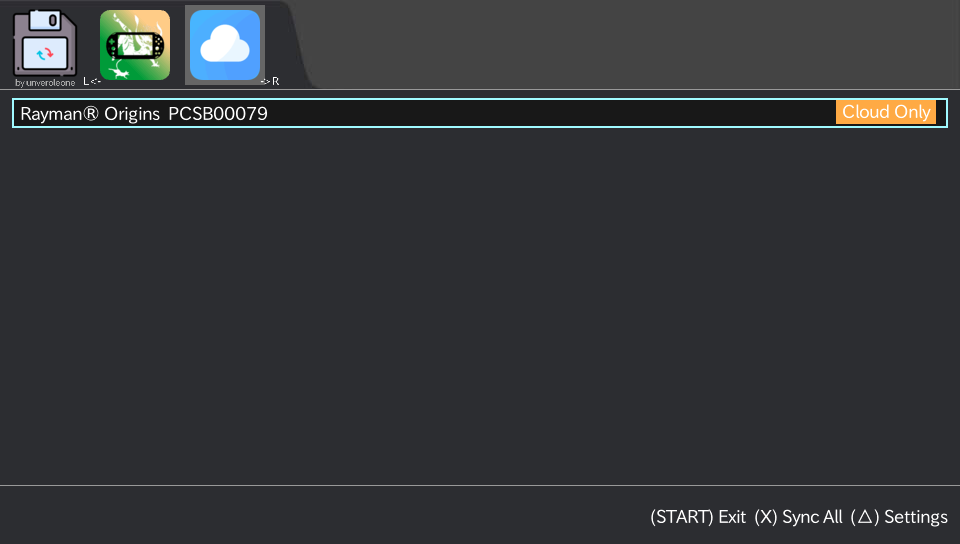
It shows every game with a status badge:
| Badge | Meaning |
|---|---|
| Synced | Both devices match |
| Not Uploaded | Never sent to server |
| Upload | Local is newer |
| Download | Server has a newer version |
| Cloud Only | On server, not on this Vita |
| Conflict | Both sides changed since last sync |
Pressing X runs Sync All: it uploads everything marked Upload and downloads everything marked Download. Conflicts are flagged and left untouched. You decide which side to keep.
Before restoring any save, the app automatically creates a local backup of what's currently on the device. If a restore goes wrong, you can roll back without losing anything.
Requirements: HENkaku and iTLS-Enso#
The Vita needs HENkaku (standard homebrew enabler) and iTLS-Enso. The Vita's built-in TLS root certificates are from 2015 and don't trust modern certificate chains. iTLS-Enso patches the trust store so HTTPS connections to current servers work. Without it, the app can't reach anything over a real HTTPS endpoint.
On the server side, you need something running Docker that the Vita can reach: a VPS, a home server, or even a local machine on the same Wi-Fi.
Server setup with Docker#
# docker-compose.yml
services:
  vita-save-sync:
    image: ghcr.io/unveroleone/vita-save-sync-server:latest
    container_name: vita-save-sync
    restart: unless-stopped
    ports:
      - "3099:3000"
    environment:
      - USER_TOKEN=${USER_TOKEN:?set a strong token}
      - DATA_DIR=/data
    volumes:
      - vita-save-data:/data

volumes:
  vita-save-data:
driver: local# .env
USER_TOKEN=change-me-to-a-long-random-stringdocker compose up -dPut it behind Nginx Proxy Manager or a Cloudflare Tunnel for HTTPS. One note: docker compose restart keeps the old environment. If you change .env, run docker compose up -d to recreate the container.
Installing the Save Sync VPK on the Vita#
The easiest route is VitaDB Downloader↗: search "Save Sync" and install from there. Alternatively, grab the VPK from the GitHub Releases↗ page and install it manually via VitaShell.
First-time setup:
- Open Save Sync on the Vita
- Switch to the Cloud tab (R)
- Open Settings (Triangle)
- Fill in your server URL, the token from
.env, and a device name - Run Test Connection, which checks both reachability and auth
- Save and go back
Use a different device name on each Vita. The server uses it to track which device last wrote a given save, which is how the sync status badges stay accurate across devices.
Why self-hosted instead of Google Drive or Baidu#
The two existing tools, PS Vita Sync and Save Cloud Vita, both tie you to a specific cloud provider. PS Vita Sync needs a Google service account with API credentials configured per game. Save Cloud Vita needs Baidu. Neither of these is a setup I wanted to maintain long-term.
I already run a home server. One more Docker container storing a few megabytes of save data per game adds nothing meaningful to it. The data stays local, behind a token I control, and I can update or back it up on my own schedule.
The code is on GitHub under GPL-3.0. If you're on a CFW Vita with a server you can reach, it should work. Issues welcome.